Hold
Press and hold Right Alt — or the Copilot key, or any custom shortcut you capture in settings.
Release the key and your words are typed wherever your cursor is — any app, any textbox. 100% local on your GPU, or any API you bring.
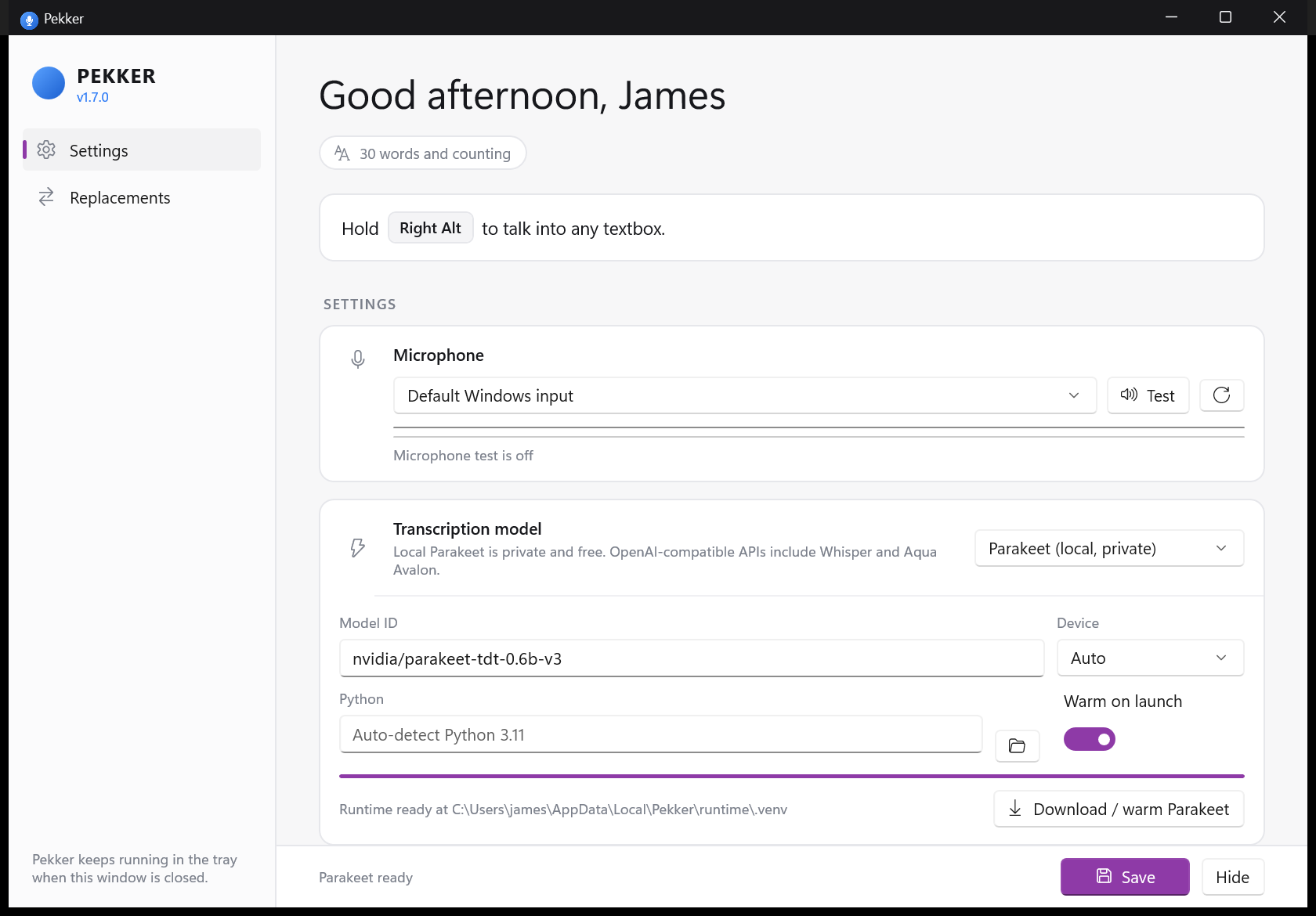
Dictation that behaves like a keyboard shortcut, not like another app to manage.
Press and hold Right Alt — or the Copilot key, or any custom shortcut you capture in settings.
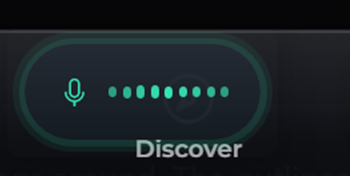
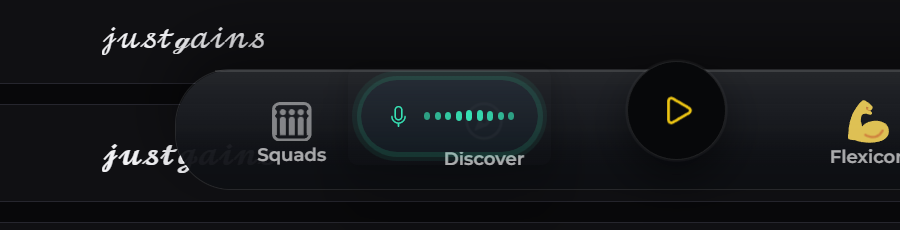
A small translucent capsule fades in at the bottom of your screen with live mic levels while you speak.
Your words are transcribed and typed right where your cursor is — with an optional auto-Enter for terminals.
Most dictation tools slap a window on top of your work. Pekker shows a quiet capsule at the bottom-center of your screen — and nothing else.
Pick how Pekker transcribes — fully local, or any provider you already trust.
GPU-accelerated transcription that runs entirely on your machine. No account, no subscription, and your audio never touches the network.
Needs Python 3.11 · NVIDIA GPU recommended
Prefer a hosted model or your own server? Paste a key and point Pekker at any OpenAI-compatible transcription endpoint.
Your key, your choice of provider.
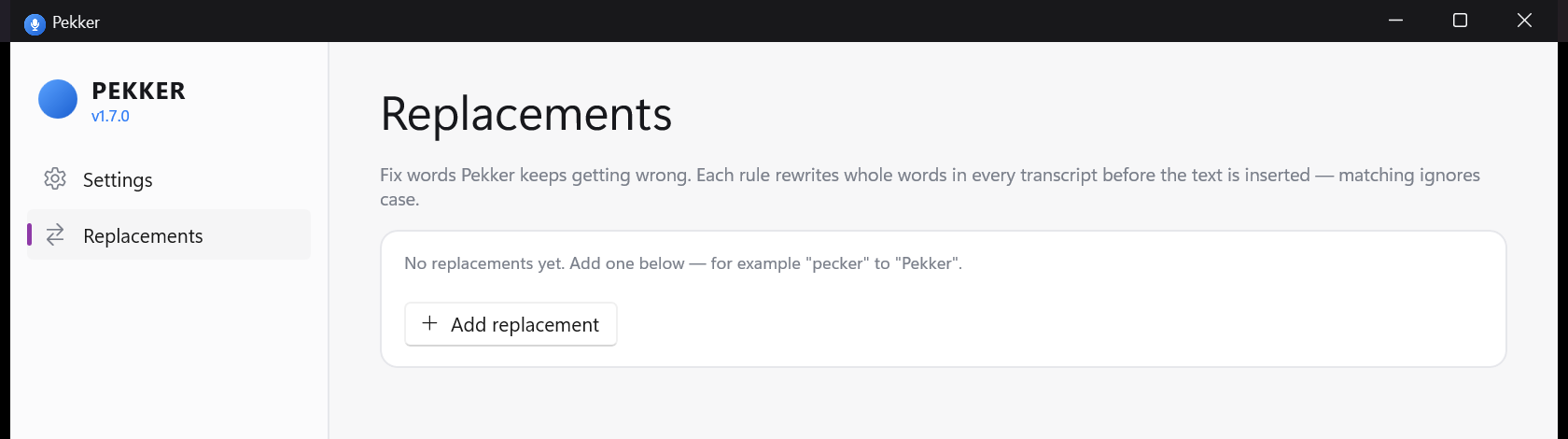
Teach Pekker your vocabulary. Each rule rewrites whole words in every transcript before the text is inserted — matching ignores case, and can re-capitalize on the way out.
Pekker can press Enter after dictating — only in apps you allow (terminals by default), after a delay you set. Backspace cancels; tap the key again to send instantly. Always-lowercase mode included, for terminal purists.
Right Alt works out of the box. Prefer the Copilot key, or something else entirely? Capture any hold-to-talk shortcut in settings.
Text is inserted via clipboard paste or simulated keystrokes, whichever works best for the app. After a paste, your clipboard is restored exactly as it was.
No window cluttering your day. Pekker starts with Windows — the installer sets that up — sits in the tray, and keeps a running count of every word you've dictated.
12,847 words and countingOne small installer, and every textbox on Windows takes dictation.
Download Pekker 1.7.0Pekker-1.7.0.msi · per-user install · install notes